What I'm building
I believe the best way to understand AI is to build with it. These are personal projects where I use AI as my development partner — no traditional coding background, just clear thinking and the right tools.
Polaris
A Bible companion app built for daily reading — clean reading experience, AI-powered devotion generation, and a theological chat assistant that understands scripture. Live in production at polarisbible.com, with a native iOS app in development.
- Live at polarisbible.com — full Bible reader with Pro subscriptions via Stripe.
- AI devotion generator: Claude Sonnet produces structured 6-section theological reflections, not summaries.
- Theological chat: ask anything about scripture, get a theologically grounded answer.
- Native iOS app in development: offline-first Bible reader, SwiftUI, zero third-party packages.
- On-device AI chat via Apple Foundation Models (iOS 26+) — no server, no latency, no cost.
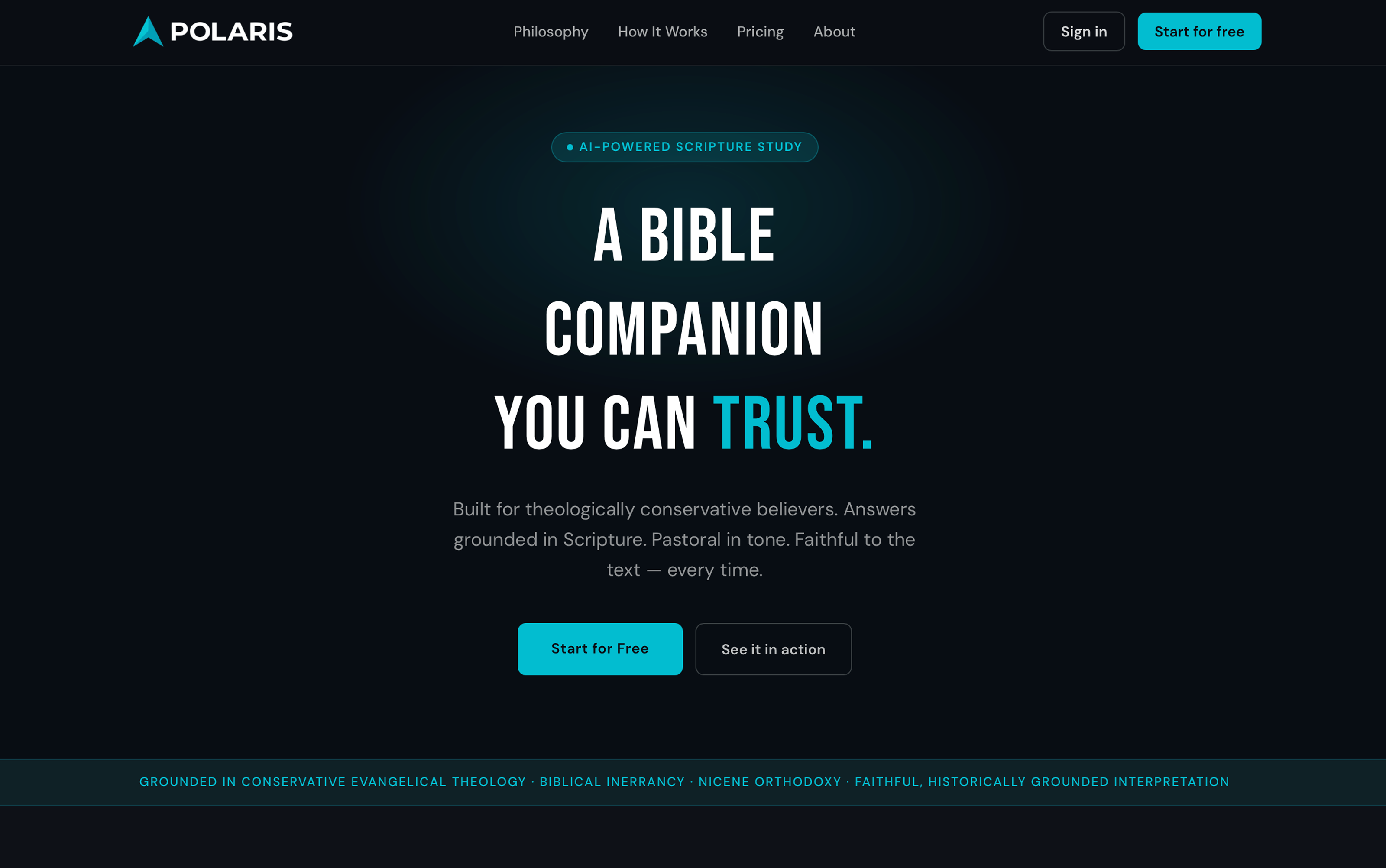
Built for theologically conservative believers. Answers grounded in Scripture — every time.
The vision
Most Bible apps feel like reference tools — built for lookup, not for reading. Polaris is built around one idea: the reading experience should come first, and AI should feel like a natural companion, not a chatbot bolted on the side.
Daily devotion generation produces structured, theologically grounded output — six distinct sections for a given passage or topic. The chat assistant reasons about scripture with context and conviction. It feels different because the prompts are different.
The stack
The web app is Next.js on Vercel, with Clerk for auth, Supabase for data, and Stripe for Pro subscriptions. Devotions run through Claude Sonnet. The design system — Polaris Teal, dark-first, DM Sans — is called Signal, and it runs across both web and iOS.
The iOS app shares the same auth and backend as the web app. Chat history, devotions, and Pro status are all cross-platform from day one, with no extra sync logic. Stripe Pro and StoreKit Pro both write to the same row.
What's next
The iOS app. A working proof-of-concept — native SwiftUI, zero packages, full offline Bible reader with on-device AI chat — validated the architecture and reading experience on real hardware. The full Polaris iOS app follows the same blueprint at production scale.
On-device AI via Apple Foundation Models means the chat assistant works with no server, no latency, and no cost for the foundational experience. Claude is available as an optional upgrade for users who want higher-quality output.
Second Brain
A personal AI knowledge management system that captures articles, YouTube videos, and podcasts from any device — transcribes, indexes, and makes everything searchable through natural conversation with Claude AI.
- One-tap capture from iPhone. URLs auto-route to the right pipeline.
- Audio processed locally on Apple Silicon via Whisper — no data leaves the device.
- Semantic search powered by Voyage AI embeddings and Supabase pgvector.
- Works inside Claude on desktop, web, and mobile via MCP — secured with OAuth 2.0 through Cloudflare.
- Built entirely by a non-coder using AI-assisted development. Four phases, from first principles, to a production system with zero ongoing infrastructure costs.
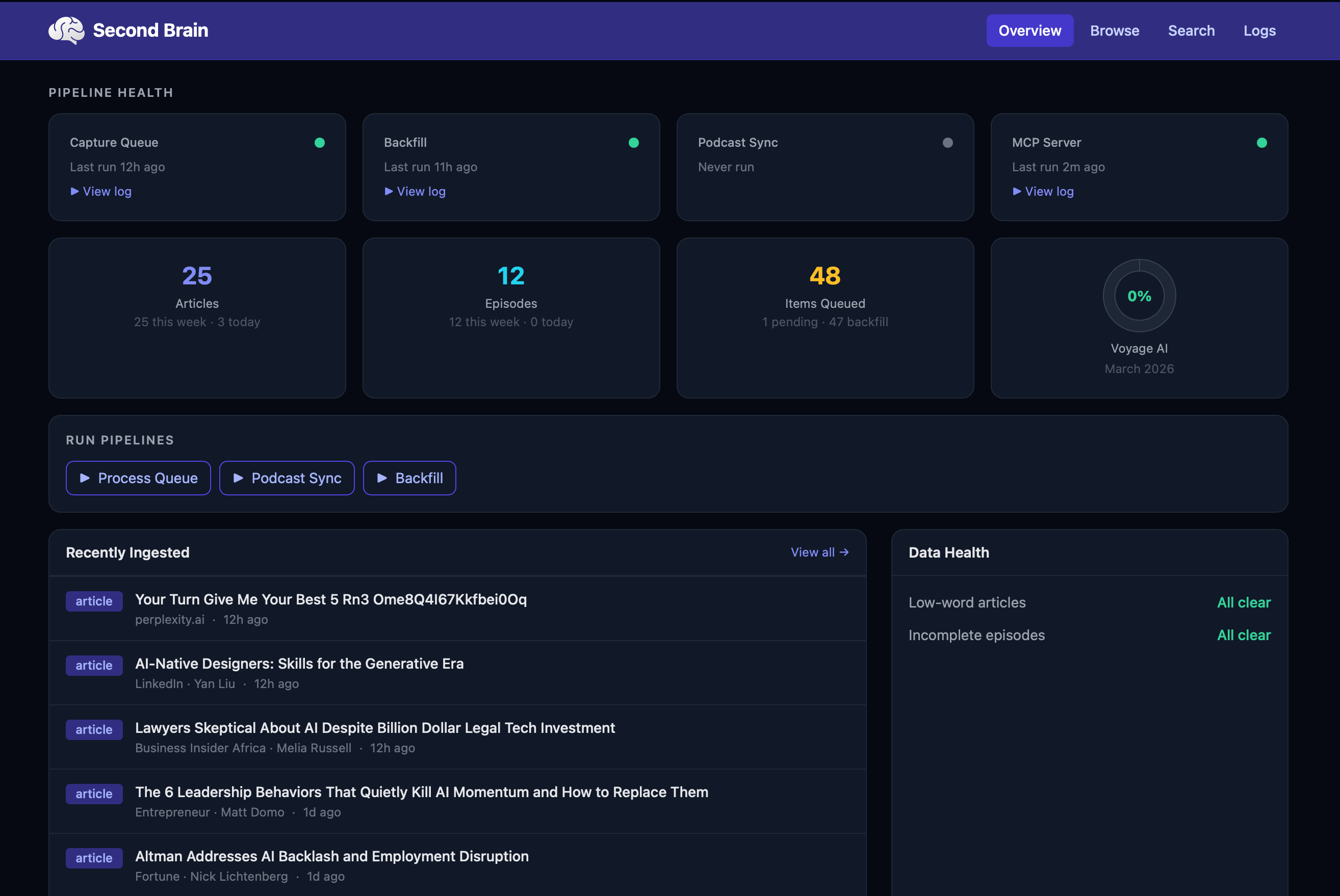
The goal was surfacing my knowledge base inside the Claude mobile app. Naturally, I had to build a dashboard to prove it all works. 😊
The problem it solves
Save an article from your phone at breakfast. Ask Claude about it from your laptop that afternoon. Get the exact passage — with a timestamped link to the moment in the video where it was said.
Before this system, everything I read, watched, or listened to disappeared into browser tabs and podcast queues I'd never revisit. Now it's all searchable, forever, through natural conversation.
The “built by a non-coder” part
I have no traditional coding background. I built this entire system — across four phases, over several months — using AI-assisted development with Claude Code. What used to require a software engineer can now be done by someone who understands the problem deeply and has the right tools.
That's not a footnote. That's the point.
jonathanhensley.com
This site. A three-page personal portfolio built with Astro 5.x — designed from an approved mockup and copy doc, then built entirely using Claude Code. From first commit to live in a single session.
- Astro 5.x static site — Home, Projects, and Consulting pages.
- Auto dark/light mode via system preference, fully responsive.
- Design system: DM Sans + JetBrains Mono, CSS custom properties.
- SEO: sitemap, robots.txt, Open Graph tags, Person schema.
- Deployed via a single deploy.sh script.
- LinkedIn posts auto-sync nightly — drop a URL in iCloud, wake up to a live update.
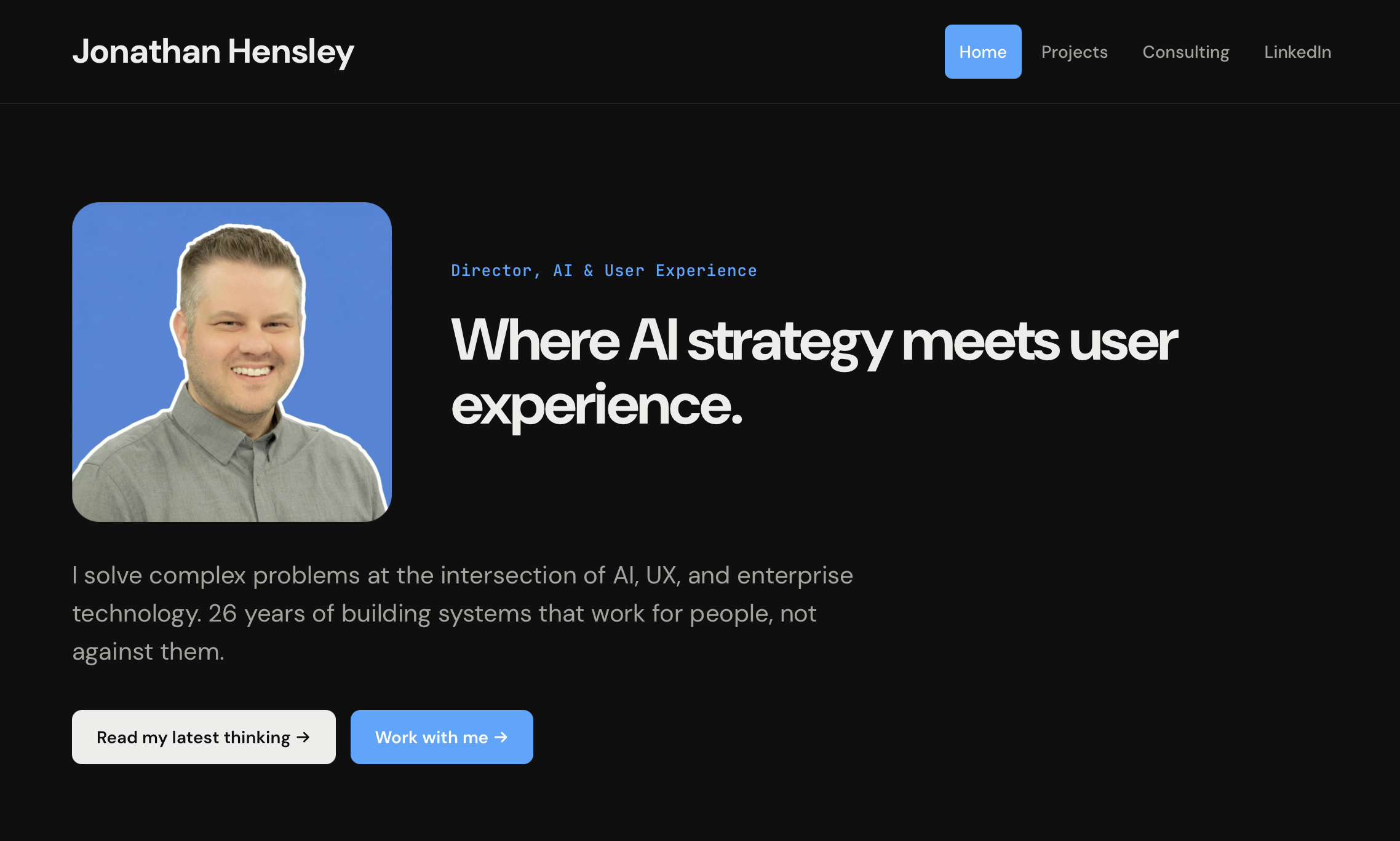
Yes, this site is one of its own featured projects. The process works. 😊
What it is
A personal portfolio built to a specific brief: clean design, strong copy, auto dark/light mode, fully responsive, deployed and live. The spec existed as an HTML mockup and a two-part design document. The implementation was done entirely in Claude Code.
No boilerplate tweaking, no theme shopping. A real site built from first principles — components, layout, design tokens, SEO, and a deployment script — in a single working session.
The meta part
This site features itself as a project. That's intentional. The portfolio demonstrates the thing it claims — that a non-coder with clear thinking and the right tools can build and ship production-quality software.
It keeps getting more true over time. The LinkedIn cards on the homepage update themselves: drop a post URL into a plain-text file in iCloud, and a nightly script fetches the content, updates the site, and deploys — no manual edits required.
It's simultaneously the showcase and the artifact. If you're reading this, the process worked.